
Full Screen Pokemon Gameplay Comes to Pokemon Dusk
Maps in Pokemon Dusk Reborn can now be played full screen. It is opt-in: open any map and press the full-screen button in the corner of the map. On phones and tablets the map title bar also has a text link that does the same thing. The map fills the screen, the usual page chrome goes away and you walk around with an on-screen D-pad.
We built it for phones and tablets first, because the old map shared the screen with a lot of page around it. It works on desktop browsers too. If you have not played the game before, our Pokemon browser game page explains what you need, and How to Play covers the first session.
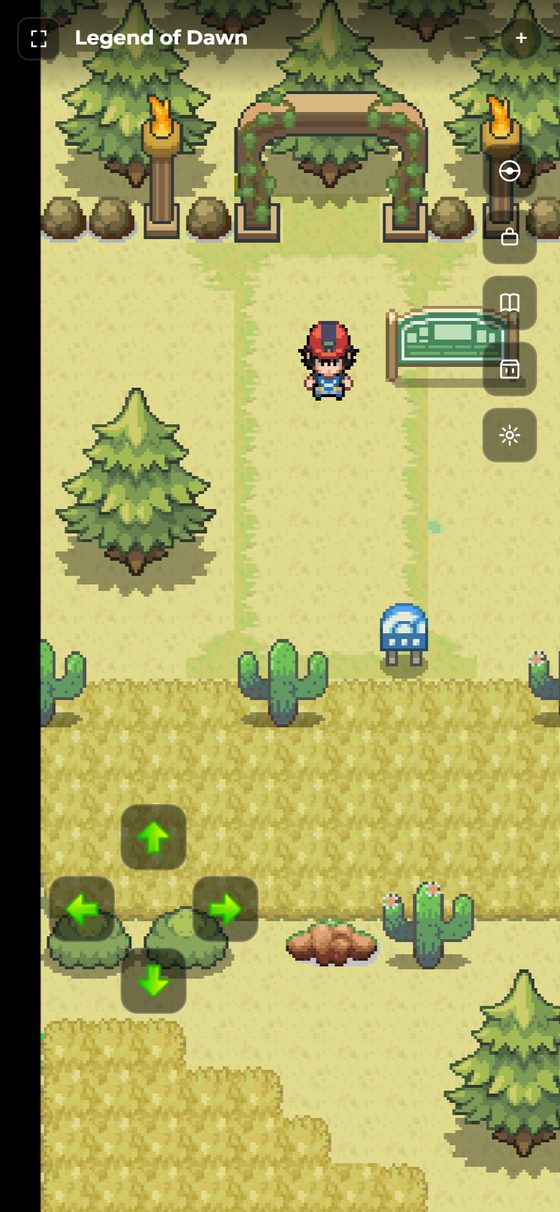
What you get in full screen
The top bar shows the map name with zoom out, zoom in and exit buttons. A column of shortcuts on the right opens your team (Pokemon Box), your bag, the Pokedex and the Shop. The D-pad sits at the bottom left, and a chat bar at the bottom lets you send messages without leaving the map. A short chat preview can be switched on or off with the settings button.
Finds and encounters still work
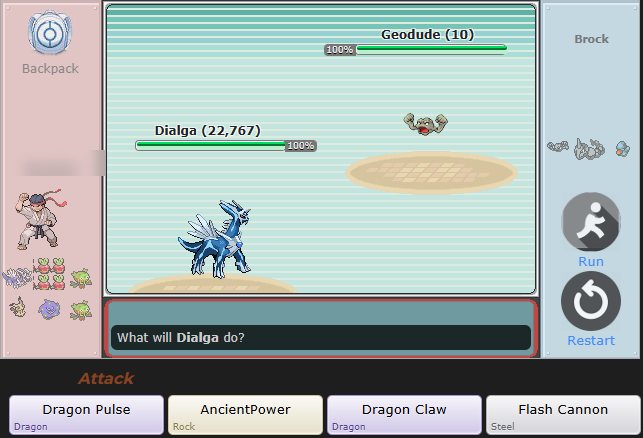
The Item Finder, the Dowsing Machine and egg finds all show up in full-screen mode, with a pickup message when you grab something. A find can only be claimed for 90 seconds, so grab it before you wander off. When a wild Pokemon appears you see its name and a Battle button without leaving the map. Pressing Battle opens the normal battle screen, so battles themselves are not full screen yet.
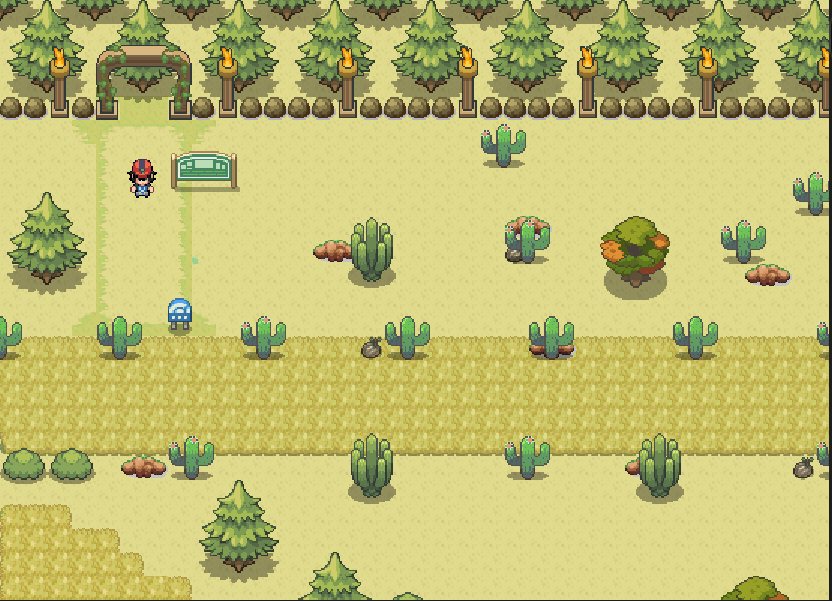
Why it took a few rounds of fixes
The first version came together in September, and we kept fixing what we found while testing on real phones and tablets:
- A two-finger touch could zoom the whole page instead of the map. Full-screen mode now ignores page zoom.
- Rotating a device could leave an empty band on the screen. The map is now rescaled to cover the screen after every rotation and resize.
- Walking looked jittery in full screen. Scrolling is smoother and the walking animation is paced more slowly.
- The D-pad buttons were small and sat too close to the edge, so they are bigger now.
Which browsers go truly full screen
Where the browser allows it (Android Chrome, iPad Safari and desktop browsers) the game also asks for real full screen, so the browser's own bars disappear. iPhone Safari does not offer that feature to web pages, so on an iPhone the game fills the page but Safari's own bar can stay.
Try it
Create a free Trainer, walk onto any map and press the full-screen button. See everything else you can do in the game, or tell us how it feels on your device in the forums or on Discord.